
The Lead Nurture Email Sequence Playbook: Structure, Timing, Triggers and KPIs for a 7-Email Series
Build a 7-email lead nurture sequence: what each email does, when to send it, how to segment and trigger it, when to hand off to sales and what KPIs to track.
A lead nurture sequence is a set of six to eight automated emails sent over three to six weeks after someone shows interest. Each email has one job: welcome, educate, prove, handle objections, then ask. Branch the sequence on behavior, hand engaged leads to sales quickly, and judge it on clicks, replies and pipeline.
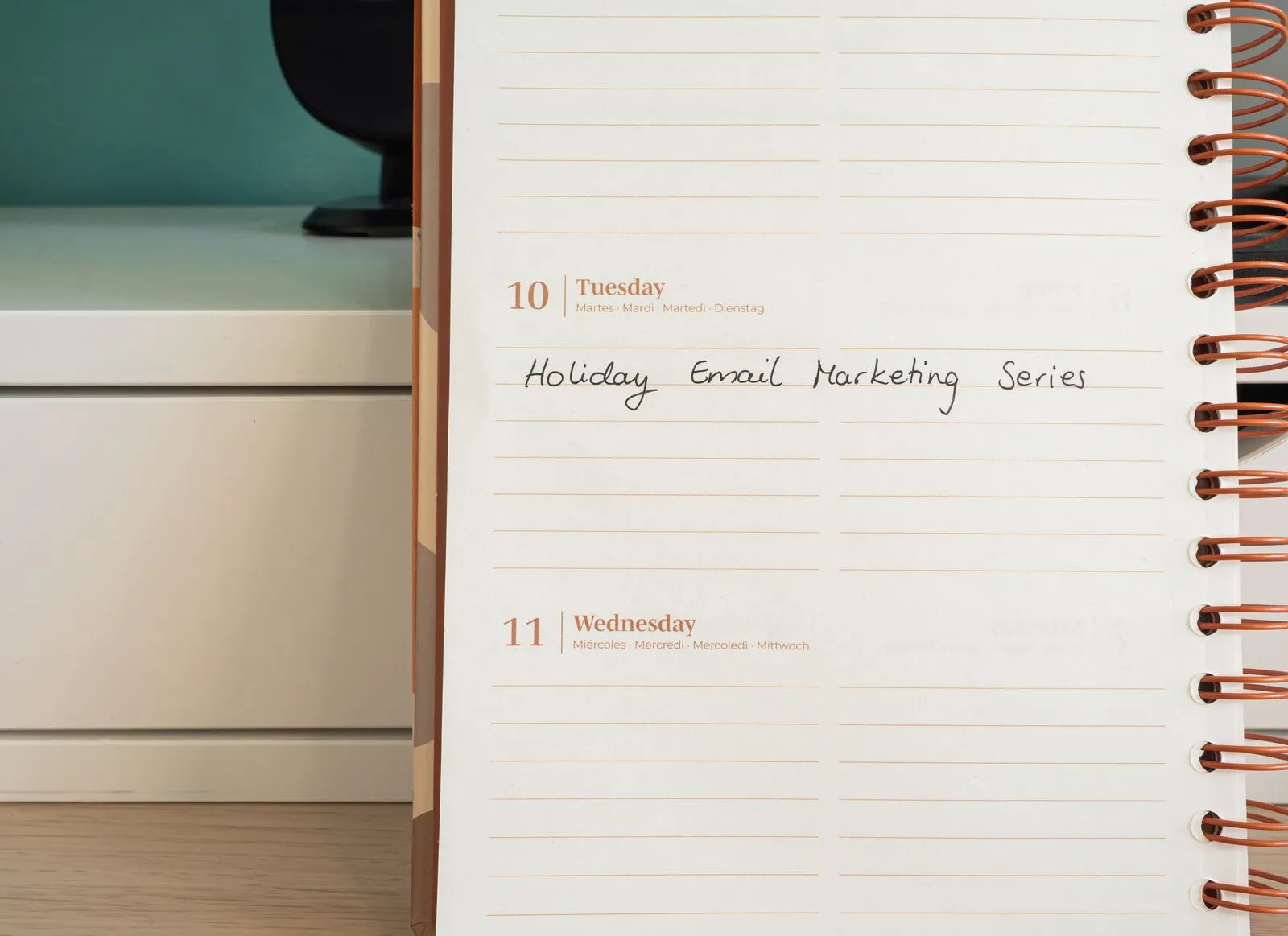
Most leads are not ready to buy on the day they fill in a form. A nurture sequence keeps you useful and visible until they are, without asking a salesperson to remember dozens of follow-ups. This playbook gives you a seven-email structure, a timing plan, the triggers and branches to build, and the numbers that show whether it works. It is a template of structure, not a promise of results: test every element against your own audience.
What is a lead nurture email sequence?
A lead nurture sequence is a series of automated emails that starts when someone shows interest, such as downloading a guide or requesting a quote, and moves them toward a sales conversation. Unlike a newsletter, every email is written for a stage in the buying decision and sent in a planned order.
The case for nurture rests on how people buy. Gartner reports that B2B buyers spend only 17% of their total purchase journey meeting with potential suppliers, and that a complex purchase typically involves six to 10 decision makers. Each of those people gathers information on their own. Email is one of the few channels where you can put the right material in front of them at the right time.
It also rests on how sales teams work. Salesforce's seventh State of Sales report, a survey of 4,050 sales professionals, found reps spend 40% of an average week selling and 60% on other work such as data entry and prospecting. A good sequence takes routine follow-up off their plate.
How many emails should a nurture sequence have?
For most small and mid-sized businesses, six to eight emails over three to six weeks is a sensible starting point. That is enough to educate and build trust without wearing out goodwill. Short sales cycles can compress the gaps to a day or two. Longer, higher-value sales can stretch them to a week.
There is no universal best number. The right length is the shortest sequence that consistently moves a fair share of leads to a sales conversation. Start with seven, then cut emails that get few clicks and add one where you see a repeated objection in sales calls. The timeline below is our recommended default for a considered purchase, such as a professional service or a B2B product.
- Day 0Welcome and deliver
Send immediately after signup with the promised resource and one clear next step.
- Day 2Name the problem
Describe the reader's situation in their words and the cost of leaving it alone.
- Day 5Share the method
Explain how the problem is solved, including steps they can take without you.
- Day 9Show proof
Share evidence: a verifiable case, data, a demo or a review from a real customer.
- Day 14Handle objections
Answer the top two or three reasons people hesitate, such as price, time or risk.
- Day 19Make the offer
Invite them to a call, trial, audit or quote with a specific reason to act now.
- Day 26Close the loop
A short, plain-text check-in that lets them say yes, not now, or stop.
What should each email in the sequence do?
Each email should do one job and ask for one action. The early emails earn attention by being useful. The middle emails build belief with method and proof. The later emails ask directly and make it easy to respond. If an email tries to educate, prove and sell at once, it usually does none of them well.
| Job | What to include | Call to action | |
|---|---|---|---|
| 1. Welcome | Deliver what was promised and set expectations | The resource, who you are in one line, what they will receive and how often | Open the resource |
| 2. Problem | Show you understand their situation | Common symptoms, the cost of inaction, one quick diagnostic question | Reply with their biggest challenge |
| 3. Method | Teach something they can use | A short framework, checklist or steps they can apply without you | Read the full guide or watch a short video |
| 4. Proof | Make the outcome believable | Verifiable evidence: a real customer review, before-and-after data you can share, a product demo | See the example |
| 5. Objections | Remove reasons to wait | Straight answers on price range, time to results, contract terms, risk | Read the FAQ or pricing page |
| 6. Offer | Ask for the next step | A specific offer, such as an audit, trial or consultation, with what happens next | Book a call |
| 7. Close | End politely and qualify | Plain text, two or three lines, from a named person | Reply yes, later or unsubscribe |
How do you segment and trigger nurture emails?
Start the sequence from a clear trigger, such as a form, download, demo request or pricing page visit, and segment by what the person told you or did. Then branch on behavior. Someone who clicks the pricing link should move faster to sales, while someone who never opens should slow down or stop.
- Entry triggers: content download, webinar registration, quote or demo request, free trial start, or a repeat visit to a high-intent page.
- Segments worth separate tracks: industry, company size, role, product interest and lead source.
- Speed-up branches: pricing page visits, replies, clicks on case studies or the offer link.
- Slow-down branches: no opens or clicks after three emails, out-of-office replies, or a 'not now' reply.
- Exit rules: books a meeting, becomes a customer, unsubscribes, or is marked as a poor fit by sales.
Remember the buying group. If several people from one company enter your sequence, your CRM should link them to the same account so sales sees the full picture. Gartner notes that each decision maker typically brings four or five pieces of independently gathered information to the group. Role-specific versions of emails three and four, one for the budget holder and one for the day-to-day user, often help.
When should a nurtured lead go to sales?
Hand a lead to sales when they show buying intent, not when the sequence ends. Typical signals are a reply, a pricing page visit, a demo request or a high lead score built from several clicks. Agree the rule with sales in writing, and have a person follow up within one business day.
Write the hand-off as a short service agreement between marketing and sales. It should state the signals that qualify a lead, what information travels with it, who owns the follow-up and how fast, and what happens if sales rejects the lead. Rejected leads should return to a slower, longer nurture track rather than disappear.
Pause the marketing sequence the moment a salesperson takes over. Nothing undermines a sales conversation like an automated 'still interested?' email arriving the day after a good call.
Which KPIs show a nurture sequence is working?
Judge the sequence on actions that lead to revenue: click rate per email, reply rate, meetings booked, opportunities created and win rate from nurtured leads. Use open rates only as a rough guide, because Apple Mail Privacy Protection records automatic opens. Track unsubscribe and spam complaint rates on every email as a health check.
The pattern is consistent across providers. GetResponse's welcome emails recorded an 83.63% open rate and 16.6% click-through rate, far above its 39.64% average open rate. Klaviyo's 2026 benchmark shows automated flows averaging a 5.58% click rate against 1.69% for campaigns. Treat these as context, not targets: open rates in particular are inflated by machine opens.
| KPI | What it tells you | How to use it |
|---|---|---|
| Click rate per email | Whether the content and call to action earn action | Rewrite or cut any email far below the sequence average |
| Reply rate | Whether the sequence starts conversations | Especially important for emails 2 and 7 |
| Meetings or demos booked | Whether the sequence creates sales opportunities | Primary outcome for B2B and services |
| Sequence-to-opportunity rate | Share of entrants who become opportunities | Compare by lead source and segment |
| Unsubscribe and spam rate | Whether frequency and relevance are right | Investigate any email above 0.5% unsubscribes or 0.1% complaints |
How should ecommerce and B2C businesses adapt the sequence?
Shorten it and tie it to behavior. Consumer purchases move in days, not months, so a welcome series of three to five emails over one to two weeks usually fits better. Add separate automated flows for browse abandonment, cart abandonment, post-purchase and win-back, each triggered by what the shopper just did.
The economics favor this work. Omnisend's 2026 report, based on 27 billion emails sent by about 150,000 brands in 2025, found that automated messages had 19 times the conversion rate of scheduled campaigns and earned $2.87 per send against $0.18. Klaviyo reports that flows have roughly 13 times the placed order rate of campaigns.
Keep the same discipline as the B2B version. Give each email one job, put proof such as genuine reviews and clear return terms in front of hesitant buyers, and use a discount only where your margins allow it. Leading every welcome series with a coupon trains subscribers to wait for one.
How do you keep nurture emails out of the spam folder?
Authenticate your domain, honor unsubscribes fast and stop mailing people who never engage. Gmail and Yahoo require bulk senders to keep spam complaints below 0.3% and to offer one-click unsubscribe on marketing mail. Nurture sequences are marketing mail, so they must meet these rules even when they feel personal.
Attentive's analysis of more than 91 billion subject lines makes the engagement point concrete. It found that sending more than 10% of volume to people who last engaged six or more months ago triggers spam placement, and that when 50% or more of a campaign's recipients have never engaged or purchased, mailbox filters may route messages to spam. Build an exit rule into every sequence for contacts who never open or click.
How do you build the sequence step by step?
Build it in order: define the audience and goal, map the stages, write the seven emails, set triggers and branches in your automation tool, agree the sales hand-off, then launch to a small segment before opening it up. Review results after the first 100 or so entrants and edit the weakest email first.
- 1Define one audience and one goal
For example, owners of 10 to 50 person firms who download a pricing guide, with a goal of booked consultations.
- 2Map questions to stages
List what they need to believe at each stage, using sales call notes and support tickets as raw material.
- 3Write the seven emails
Follow the job-per-email table. Keep each to one idea and one link.
- 4Set triggers, branches and exits
Configure entry, speed-up, slow-down and exit rules in your automation platform and CRM.
- 5Agree the hand-off
Document the qualifying signals and response time with sales before launch.
- 6Soft launch and test
Run to a small segment, check every link and merge field, and confirm unsubscribe works.
- 7Review monthly
Rank emails by click rate, rewrite the weakest one, and retest.
We plan, write and automate nurture sequences with clear hand-off rules, then report on meetings and pipeline rather than opens.
Frequently asked questions
How is a nurture sequence different from a drip campaign?
The terms overlap. A drip campaign usually means emails sent on a fixed schedule regardless of behavior. A nurture sequence is built around the buyer's decision stages and adjusts to what each person does, speeding up for engaged leads and slowing down or stopping for unengaged ones. In practice, most good nurture sequences are drips with branching rules.
Should nurture emails be plain text or designed HTML?
Use both. Designed emails suit the welcome and content-delivery emails, where images or a clear button help. Plain-text emails from a named person often work better for the close and for invitations to reply, because they read like a normal message. Test the format for the offer email with your own audience rather than assuming.
What if a lead replies to an automated email?
Treat every reply as a sales signal. Route replies to a monitored inbox or the lead owner in your CRM, pause the automation for that contact, and respond personally within one business day. Set up an auto-pause rule so the sequence does not keep sending scheduled emails after someone has started a real conversation.
How often should I update the sequence?
Review performance monthly and make one change at a time, starting with the email that has the lowest click rate. Refresh proof and offers at least every quarter so dates, prices and examples stay current. Rebuild the sequence if your product, pricing or ideal customer changes significantly, because stale nurture content quietly erodes trust.
Can a small business run nurture without a CRM?
You can start with an email platform that supports automation, tags and basic lead scoring. Once more than one person follows up on leads, or you need to see every contact from one company together, a CRM becomes worth it. It keeps the sales hand-off reliable and stops leads from being emailed after they buy.
Sources
- Gartner: B2B Buying Journey
- Salesforce: State of Sales report, 7th edition
- GetResponse: Key insights from the 2024 email marketing benchmarks report
- Klaviyo: 2026 Email Marketing Benchmarks by Industry
- Omnisend: 2026 Ecommerce Marketing Report
- Google: Email sender guidelines
- Yahoo Sender Hub: Best practices
- Attentive: What we learned analyzing billions of email subject lines
Figures are quoted as each source states them, for the period and sample it reports. Platform rules change often, so check the linked documentation before you act. This is general information, not legal or financial advice. Spotted an error? Email care@express.digital and we will correct it.

Nikhil Sharma edits Express Digital Insights. He has worked in digital marketing for about 20 years and has been a digital evangelist since 2005. Our editorial policy.